

"Anything built by Nick always = quality. I've made his menu builder foundational in our agency's stack."
Etch Menu Builder
Launch production-ready, fully accessible navigation in a fraction of the time. Build simple dropdowns, nested menus, or full mega menus for EtchWP. Meticulously thought out for flexibility, performance, and accessibility.
$45
You’ll Receive:
- A complete Etch-ready menu system built around ACSS
- Five flexible components, each with unique customization options
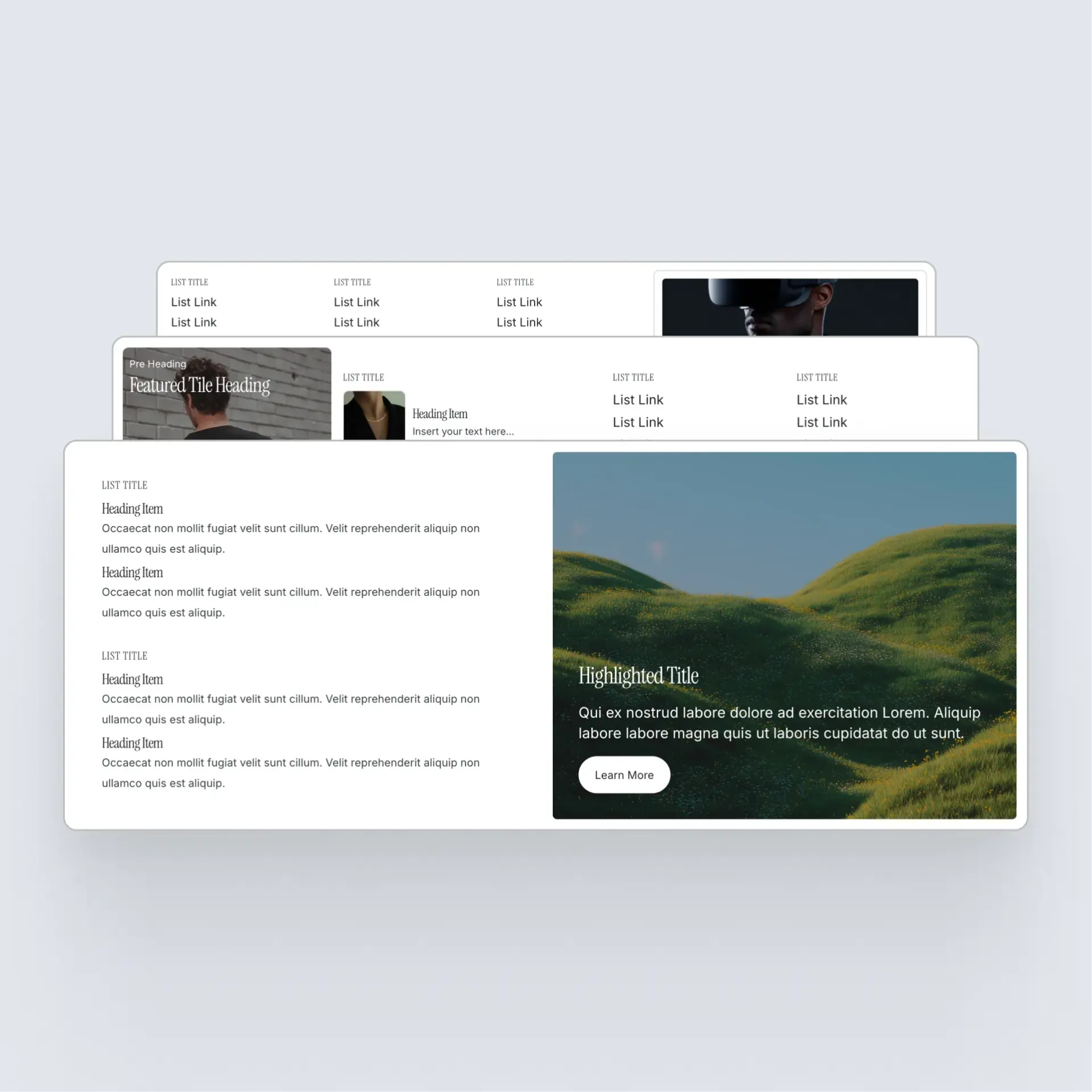
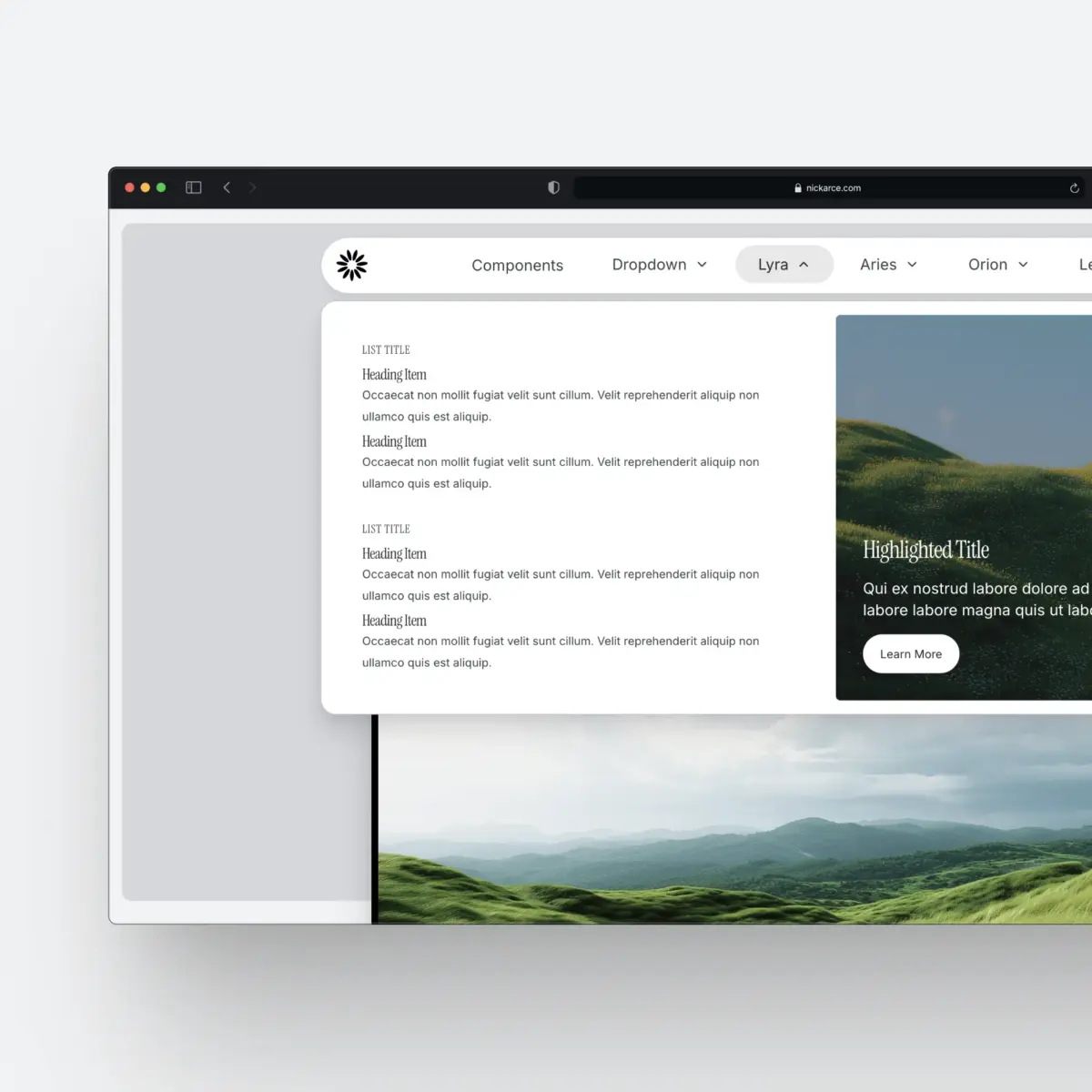
- Four pre-designed mega menu dropdown patterns to kick start your project
14 Day Money Back
If the component doesn’t work as expected or wasn’t what you thought it was you have 14 days from the date of purchase to submit a support request and I will refund you the full amount.
Release Preview video
ChangelogFeatures
Build Responsive Menus
Switch seamlessly between desktop and mobile layouts with a single component prop. No media queries required.
Two Mobile Menu Options
Choose between an off‑canvas mobile menu or a header‑attached menu that reveals below the navigation.
Mobile Dropdown Options
Pick a stacked, card‑style dropdown for modern mobile navigation or go with a classic accordion pattern.
Accessibility First
Keyboard focus, ARIA labels, focus trapping, ESC key handling, and skip links are all baked in so your menus ship accessible by default.

Included Dropdown Patterns
Plug in pre‑built mega menu patterns to get projects launched faster and with more visual polish.
Testimonials
Real world testimonials from those that have used the component.
"Today I bought Nick's Etch Menu Builder. It feels really smooth to work with. The instructions are clear and the video is very helpful. I think the combination of Menu Builder and Etch works really well.Thank you, Nick, for building this."
Got Questions?
Yes. Full documentation is included here.
Nope! Zero dependencies and the JS is located individually inside each component for you to edit and change as need be. A few of the components dispatch custom events at every state transition so you can hook into those state changes and run custom JS if need be. More on that here.
No addition CSS files are needed. The entire system comes inside one header.json file for easy import. There will be other dropdown patterns available in your download to import separately.
