

Etch Drawer
A drawer that feels native, right in your own website. Swipeable, stackable and four-directional. Ship gesture-driven modals, notifications, menus, and navigation in a fraction of the time. Vanilla JS, zero JS framework lock-in.
$35
You’ll Receive:
- A complete Etch-ready drawer system built around ACSS
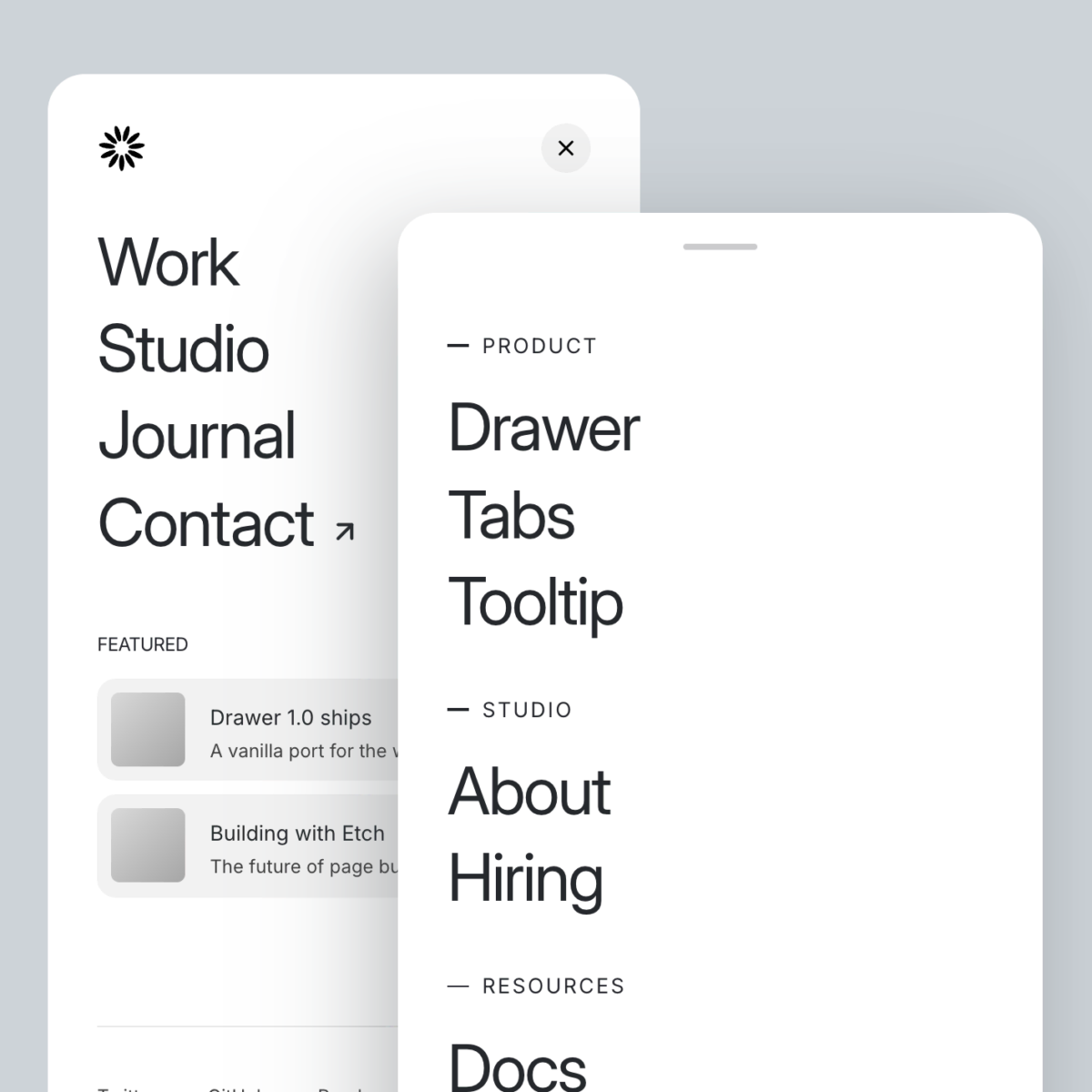
- 5 Designed drawer patterns to kick start your project
14 Day Money Back
If the component doesn’t work as expected or wasn’t what you thought it was you have 14 days from the date of purchase to submit a support request and I will refund you the full amount.
Release Preview video
ChangelogFeatures
It Genuinely Feels Native
Swipe to close, flick to dismiss. Your visitors won’t know it’s not a native component. The gesture physics respond to speed, not just distance, so fast flicks close immediately and slow drags resist naturally.
Nest Them as Deep as You Want
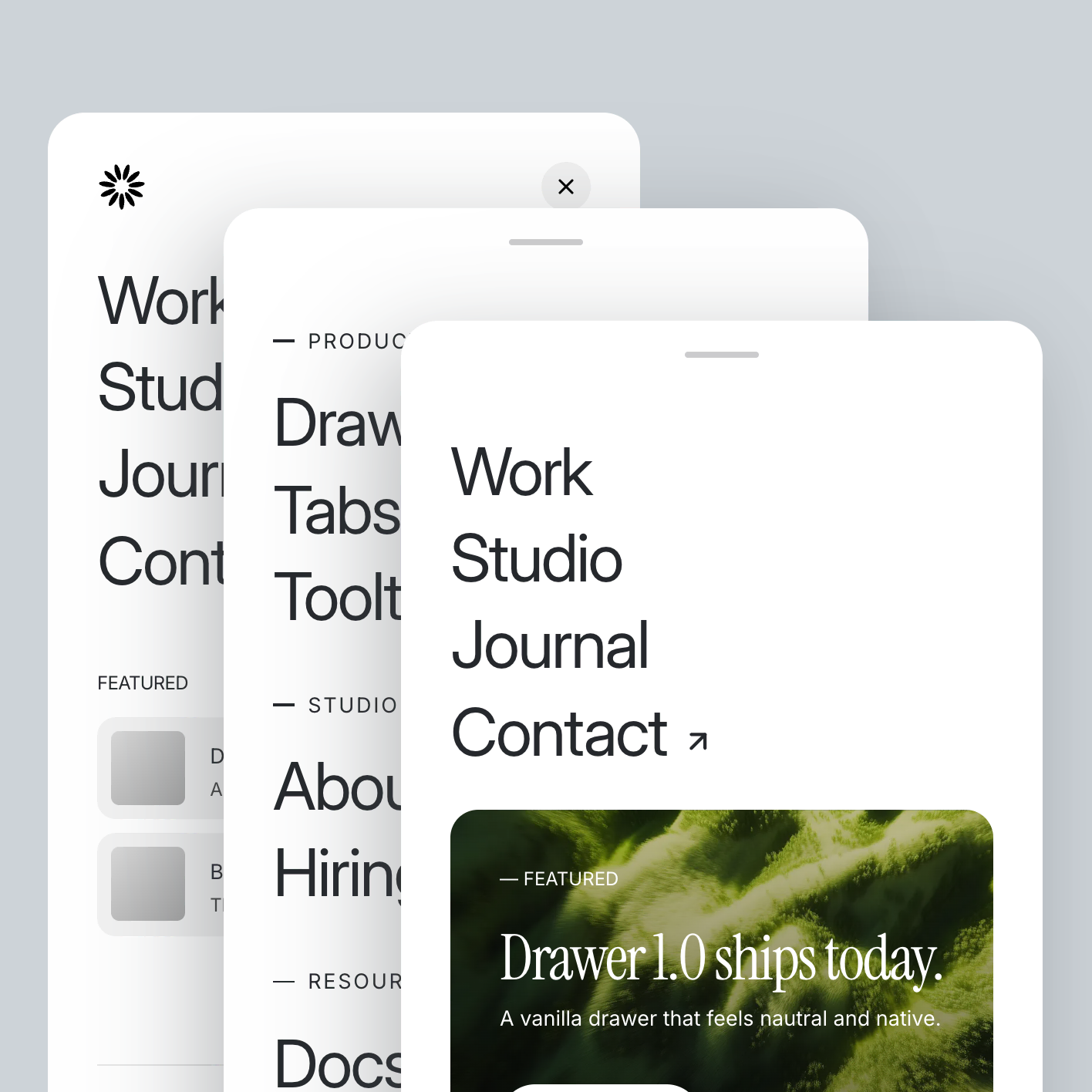
Open a drawer inside a drawer. The parent scales back to make room, then springs forward when the child closes. It handles focus, layering, and animation automatically. You just wire the triggers.
Notify Without Interrupting
Set a drawer to open automatically on page load with a delay. Run it in passive mode and it becomes a non-obtrusive popup. No overlay, no scroll lock. Great for cookie notices, announcements, or promos that don’t interrupt the experience. You control frequency and persistence is automatic.

Skip the Blank Canvas
Ships with ready-made drawer patterns: a subscribe drawer and 4 navigation menus. Built with Etch and ACSS. Drop one in and make it yours.
Accessible Out of the Box
Screen readers, keyboard users, and focus management are handled from the start. Drawers announce themselves, trap focus correctly, and return it when they close. You ship something that works for everyone, without extra effort.
Got Questions?
Yes. Full documentation is available on docs.nickarce.com and included with your download.
Nope. Zero dependencies. The JS is a single self-contained class with no framework requirements. Dispatch custom events at every state transition so you can hook in your own logic.
No. Everything lives in the component’s CSS files. All visual customization is exposed through CSS custom properties (drawer background, overlay color, transition duration, border radius, handle dimensions, and more).
You can use it on unlimited personal or client sites you wish. I just ask you do not share with others and encourage them to help support the continued development of components.
